A Step by Step Guide to Installing New Cartridges
Office & Stationery - 09, January, 2026 -
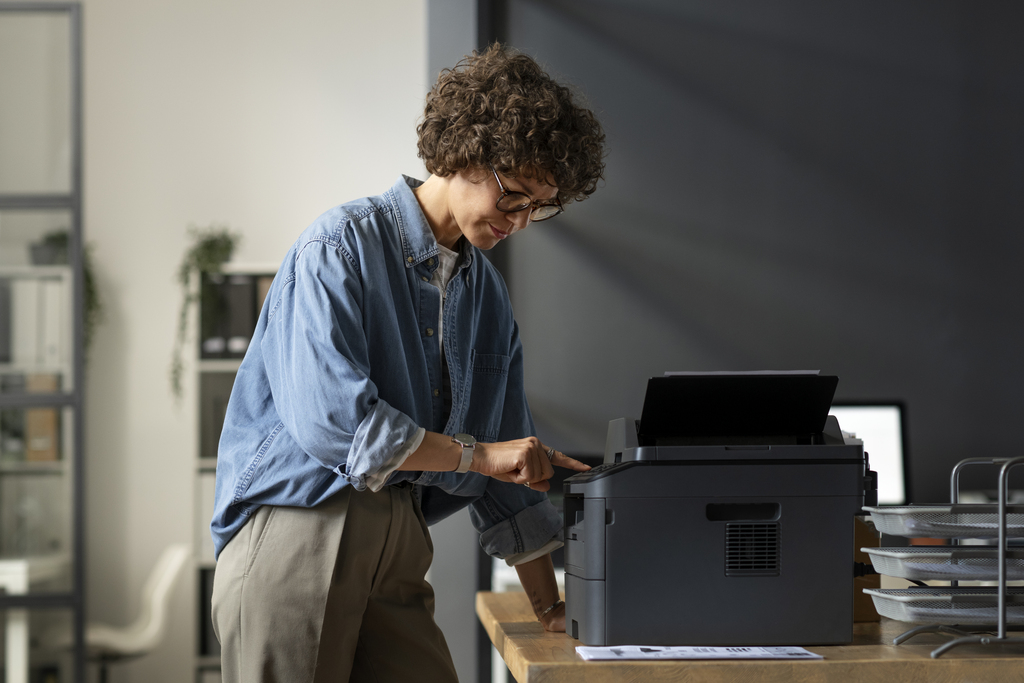
Installing a new printer cartridge might seem like a small task, but doing it correctly can save you time, money, and a lot of frustration. Whether you are setting up a home printer, managing office equipment, or simply trying to replace printer ink correctly, understanding the right process makes a noticeable difference in print quality and cartridge life. Many common printing issues such as streaks, faded text, or error messages come from incorrect cartridge setup rather than faulty hardware.
This guide is designed to walk you through every stage of the process with clarity and confidence. From preparation to final testing, you will learn how to install printer cartridges the right way, avoid costly mistakes, and shop smarter when replacing supplies. Whether you are installing inkjet cartridges or handling laser toner, this step-by-step guide will help you get reliable results every time.
1. Preparing Your Printer Before Cartridge Installation
Before you touch a new cartridge, preparation is essential. Taking a few minutes to set up your printer correctly ensures a smoother installation and reduces the risk of damage or errors during the process.
Start by turning on your printer and placing it on a stable, well-lit surface. Most printers automatically move the cartridge holder into position when powered on, making removal and installation easier. Always check your printer manual or on-screen instructions, as different models have slightly different printer cartridge setup processes.
Getting Ready for Installation
-
Power on the printer and wait until it is idle
-
Open the cartridge access door gently
-
Keep paper towels or tissues nearby in case of ink residue
-
Wash and dry your hands to avoid smudging contacts
-
Remove the new cartridge from its packaging only when ready
Preparing your workspace and printer minimizes interruptions and helps you stay focused. This simple step is often skipped, yet it plays a major role in successful ink cartridge installation and long-term printer performance.
2. Removing the Old Cartridge Safely and Correctly
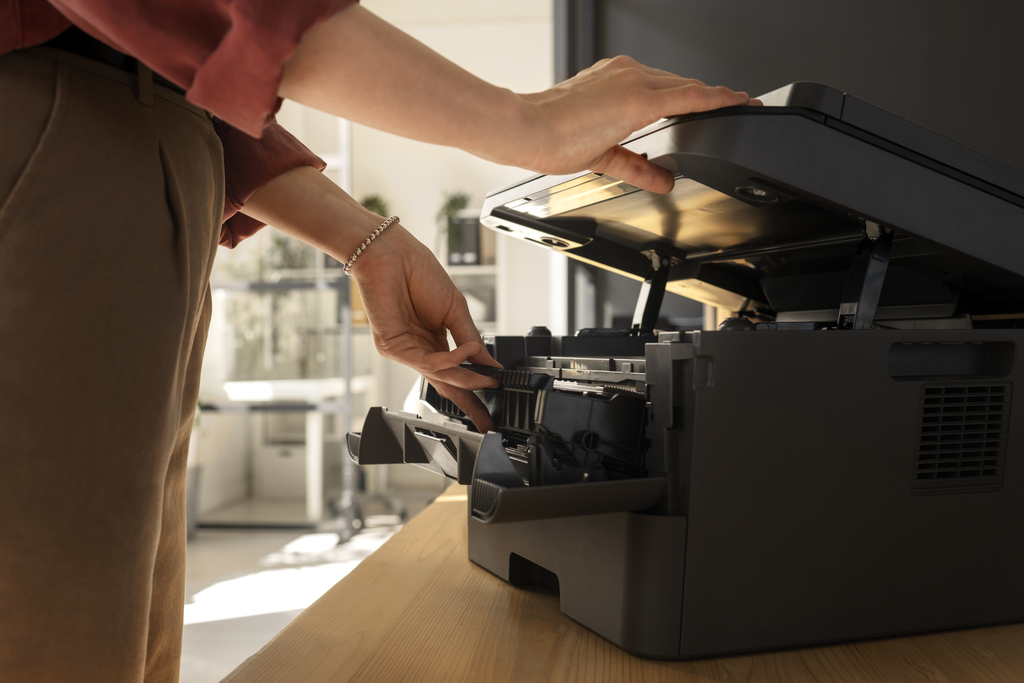
Knowing how to change printer ink starts with removing the old cartridge properly. Rushing this step can damage internal components or cause ink leaks, which may affect future prints.
Once the access door is open, the cartridge carriage usually moves to the center. Gently press down or release the old cartridge according to your printer model. Never force it out, as resistance often means it has not been unlocked correctly.
Safe Removal Steps
-
Wait for the cartridge holder to stop moving
-
Identify the cartridge color or toner slot correctly
-
Release the cartridge using the designated latch or clip
-
Pull the cartridge straight out without twisting
-
Place the used cartridge on a disposable surface
Removing cartridges carefully protects both your printer and your hands. It also makes it easier to compare the old and new cartridges, ensuring you install the correct replacement.
3. Installing Inkjet and Laser Cartridges Step by Step
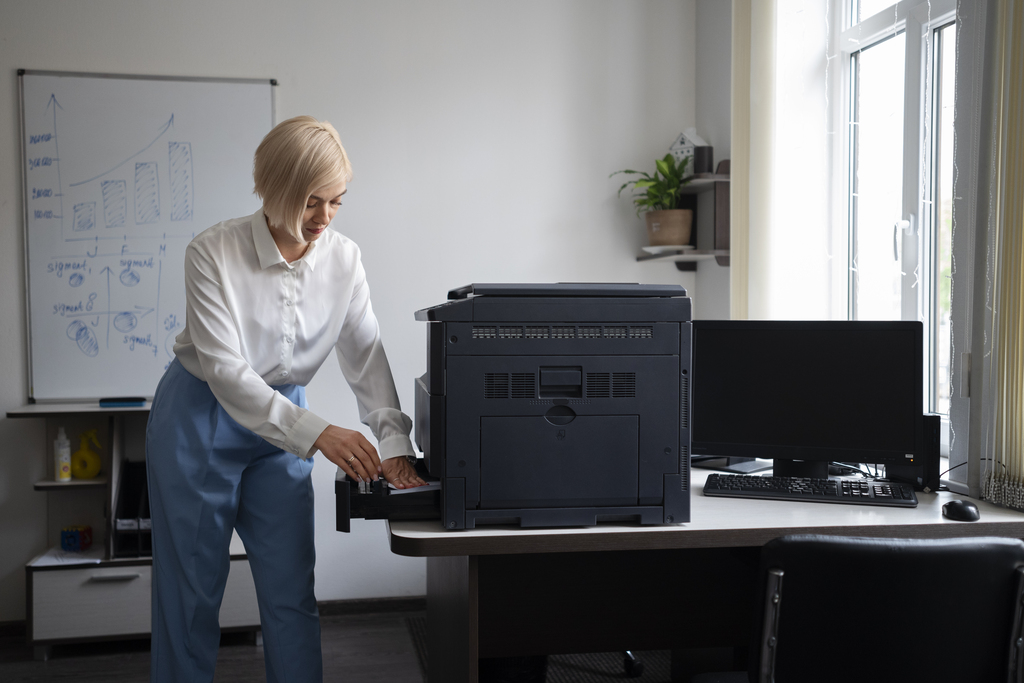
This is the most important part of the ink cartridge installation guide. Whether you are installing inkjet cartridges or installing laser toner cartridges, accuracy matters. Each cartridge type has its own handling requirements, but the basic principles remain the same.
Remove all protective seals, tapes, and covers from the new cartridge. These are designed to prevent leaks during shipping and must be fully removed before installation. Align the cartridge with its slot and insert it firmly until you hear or feel a click.
Cartridge Installation Steps
-
Remove protective tape and packaging completely
-
Hold the cartridge by the sides, not the contacts
-
Match the cartridge to the correct color or label
-
Slide it into place until it locks securely
-
Close the access door carefully
After installation, your printer may run an automatic alignment or charging cycle. Allow this process to complete without interruption. Proper installation ensures consistent ink flow, clear prints, and fewer error messages over time.
4. Setting Up and Testing After Installation
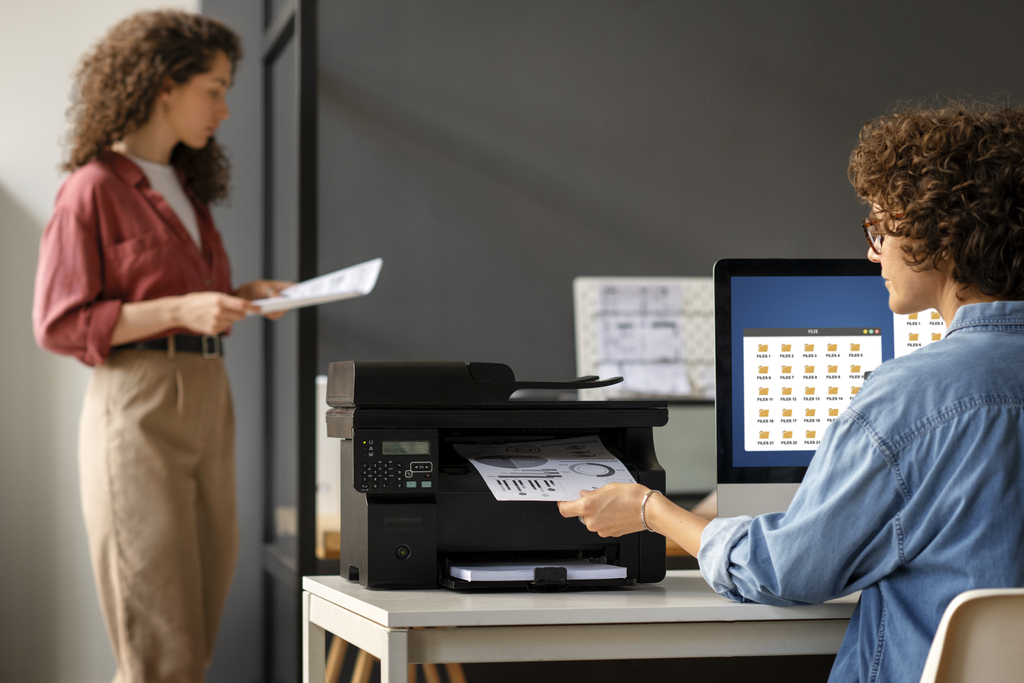
Once the cartridge is installed, testing is a crucial step many users overlook. Printer cartridge setup does not end when the door closes. Testing confirms that the cartridge is recognized and functioning correctly.
Most printers prompt you to print a test page or run an alignment. This process helps the printer calibrate ink distribution and ensures accurate colors and sharp text. Skipping this step may lead to uneven prints or wasted ink later.
Post-Installation Checks
-
Confirm the printer recognizes the new cartridge
-
Run alignment or calibration if prompted
-
Print a test page to check quality
-
Inspect for streaks or missing colors
-
Clean print heads if recommended
Testing immediately after installation allows you to fix small issues early. It also gives you confidence that the cartridge replacement was successful and ready for everyday use.
5. Saving Money with Smart Cartridge Choices and Discounts
Replacing cartridges regularly can become expensive, especially for home offices and small businesses. Understanding where and how to shop can make a noticeable difference in long-term costs. One reliable option for printer supplies and savings is exploring offers such as The Cartridge Centre Discount Codes, which help users reduce spending without compromising on quality.
When shopping for cartridges, always verify compatibility with your printer model. Genuine and high-quality compatible cartridges can both deliver excellent results when sourced from trusted sellers. Timing your purchase during promotions or seasonal offers can also help stretch your budget further.
Smart Shopping Strategies
-
Compare cartridge models before purchasing
-
Buy in multipacks for frequent printing needs
-
Check expiry dates on ink cartridges
-
Store unused cartridges in a cool, dry place
-
Look for verified discounts from trusted retailers
Being strategic about where you buy your cartridges ensures consistent print quality while keeping costs under control. Over time, these small savings add up and make printing more affordable.
Budget-Friendly Tips for Cartridge Replacement
Managing printing costs does not stop at installation. Simple habits can significantly extend cartridge life and reduce unnecessary replacements. Many users replace cartridges too early due to inaccurate warnings or inefficient settings.
Switching to draft mode for internal documents, printing only when necessary, and running maintenance tools sparingly can help conserve ink and toner. These practical steps support smarter, budget-conscious printing.
Where to Shop for Reliable Printer Cartridges
Choosing the right place to buy printer cartridges plays a major role in print quality, cartridge lifespan, and overall printer health. Reliable retailers clearly list printer compatibility details, making it easy to confirm that a cartridge matches your exact printer model. They also provide clear product descriptions, usage guidance, and realistic expectations about page yield and performance. Whether you prefer shopping online or visiting a physical store, transparency should always be your top priority.
Trusted sellers usually offer return or exchange policies, which is especially important if a cartridge arrives damaged or is not recognized by your printer. Good customer support is another strong indicator of a reliable store, as it allows you to resolve issues quickly without wasting time or money. Established retailers are also more likely to store cartridges under proper conditions, reducing the risk of dried ink or damaged toner before purchase.
Before making a decision, it is wise to compare prices across multiple stores rather than choosing the cheapest option immediately. Extremely low prices can sometimes indicate outdated stock or low-quality alternatives that may leak, clog print heads, or produce inconsistent results. Reading customer reviews helps you understand real-world performance and identify common issues reported by other users. Consistent positive feedback is usually a sign of dependable quality.
Buying from trusted sellers not only protects your printer from damage but also ensures stable, long-term printing performance. A reliable retailer helps you avoid unnecessary replacements, printing errors, and frustration. By choosing stores with proven credibility, clear policies, and authentic products, you can print with confidence and maintain both quality and value over time.
Common Mistakes to Avoid During Cartridge Installation
Even experienced users make mistakes when replacing cartridges. Touching the copper contacts, leaving protective tape on, or forcing a cartridge into the wrong slot are common errors that lead to problems.
Take your time, follow instructions carefully, and never ignore warning messages. Avoiding these mistakes ensures smoother operation and protects your printer from unnecessary wear.
Conclusion
Installing new printer cartridges does not have to be complicated or stressful. By preparing your printer, removing old cartridges carefully, following proper toner cartridge installation steps, and testing after setup, you can achieve reliable and high-quality printing results. Smart shopping habits and mindful usage further help you save money and avoid frequent replacements.
For those looking to combine convenience with savings, checking trusted deal platforms like Getmecodes.co.uk can be a simple way to shop smarter.
With the right approach, cartridge replacement becomes a quick, confident task that supports both performance and budget-friendly printing decisions.
FAQs
1. How often should I replace my printer cartridges?
There is no fixed timeline for replacing printer cartridges, as it largely depends on how frequently you print and which settings you use. High-resolution photos and color-heavy documents consume ink much faster than everyday text printing in draft mode. Most printers give an estimated low-ink alert, but these alerts are not always precise. A better indicator is print quality, so when you notice faded text, uneven colors, or streaking that does not improve after cleaning, it is usually time to replace the cartridge.
2. Can I install a new cartridge before the printer shows a low-ink warning?
Yes, you can change a cartridge whenever you feel it is necessary. Printers rely on internal estimates rather than exact measurements, which means the warning may appear earlier than needed or sometimes too late. If your prints start to look dull or inconsistent, installing a new cartridge can immediately improve results. However, replacing cartridges too early may lead to unused ink going to waste, so it is best to balance print quality with efficient usage.
3. Is it safe to use compatible cartridges instead of original ones?
Using compatible cartridges can be a safe and cost-effective option when they come from reputable sellers. Many high-quality compatibles are designed to match original specifications and deliver similar performance for everyday printing. The key is to check compatibility with your printer model and read user reviews before purchasing. Poor-quality alternatives may cause leaks or recognition issues, so choosing trusted suppliers is essential.
4. Why does my printer not recognize a newly installed cartridge?
A printer may fail to recognize a new cartridge for several simple reasons. Protective seals or tape left on the cartridge can block electrical contact, preventing detection. In other cases, the cartridge may not be fully seated in its slot. Removing the cartridge, checking for leftover packaging, reinstalling it carefully, and restarting the printer often resolves the issue quickly.
5. Do I need to align cartridges every time I install a new one?
Cartridge alignment is highly recommended after every new installation, even if prints look acceptable at first. Alignment helps the printer adjust ink placement for sharper text and more accurate colors. Skipping this step can lead to gradual quality issues over time. Most modern printers guide you through the alignment process automatically, making it a quick and worthwhile step for optimal results.
Office & Stationery Discount Stores

























 Sign Up & Get $5 Instantly!