How to Choose the Right Wireless Mouse for Work and Play
Computer, Hardware & Software - 16, January, 2026 -

Choosing the right wireless mouse for your laptop or desktop setup seems simple at first, but the wrong choice can affect productivity, comfort, and even how much you enjoy gaming or day-to-day browsing. With so many shapes, sensors, buttons, and price points available, navigating the options can feel overwhelming. This wireless mouse buying guide will simplify that process by breaking down what really matters, how to shop smart, and how to find budget-friendly options without compromising performance. Whether you need the best wireless mouse for office use or a versatile mouse for laptop and PC tasks, this guide will help you make an informed choice for both work and play.
1. Ergonomics and Comfort Matter More Than You Think
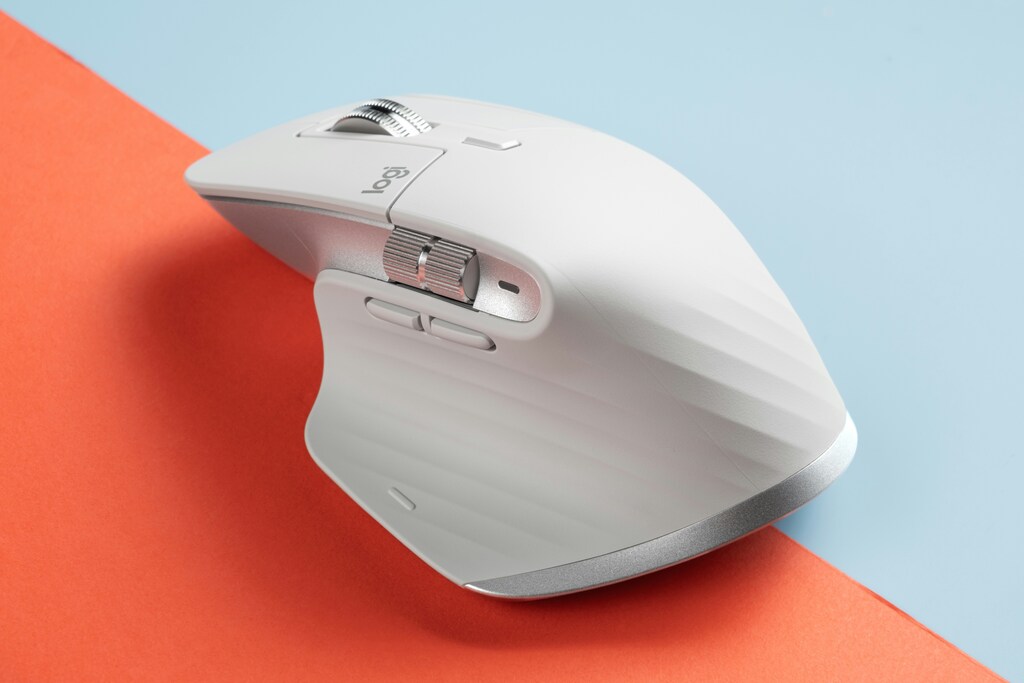
A wireless mouse is a tool you interact with daily. If it is uncomfortable, too heavy, or poorly shaped, you will feel it. Ergonomics plays a crucial role in reducing wrist strain during long typing sessions, coding work, content creation, or gaming. A well-designed mouse supports your hand shape and encourages natural wrist posture, improving comfort over time. Many consumers ignore ergonomics and focus only on features like DPI or buttons, but long-term users know that hand fatigue is real and can impact productivity. Your work setup deserves gear that keeps you comfortable, efficient, and focused, not distracted by discomfort.
Types of Ergonomic Designs
-
Vertical mice for wrist and forearm alignment, great for office use or repetitive tasks
-
Sculpted ergonomic shapes that follow the hand curve for all-day comfort
-
Compact travel shapes ideal for portability and laptop bags
-
Ambidextrous mice for left or right-handed users, often symmetrical
-
Gaming shapes designed for grip-specific preferences like claw, fingertip, or palm grip
An ergonomic choice can make a huge difference for power users who spend long hours at the computer. For the best wireless mouse for office use, prioritize shape and thumb support over flashy features. For gaming, grip compatibility matters to ensure fast and comfortable control. When testing mice in-store, note how your hand rests without forcing a grip. Online buyers should check shape dimensions and reviews that highlight comfort. A comfortable mouse reduces strain, boosts efficiency, and provides a pleasant user experience whether you are browsing or grinding through spreadsheets.
2. Performance Specifications for Smooth Work and Gameplay
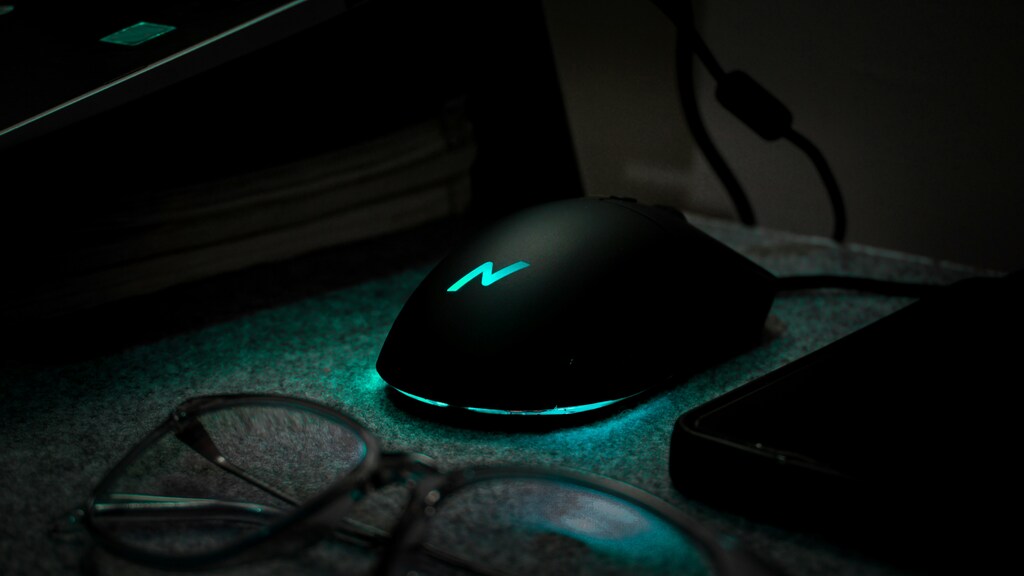
Beyond comfort, technical performance determines how accurate, responsive, and versatile a wireless mouse is. DPI, polling rate, connectivity, sensors, and button layouts all matter, especially for users who switch between productivity tasks and casual gaming. Many first-time buyers focus on DPI alone, thinking higher equals better, but real performance depends on balancing precision and smoothness. Office users benefit from accurate sensors for detailed tasks like editing, designing, or spreadsheet navigation. Gamers, even beginners, require responsive tracking to keep up with fast movements.
Key Performance Features to Compare
-
DPI range for movement sensitivity and precision adjustment
-
Optical vs laser sensors for surface compatibility and accuracy
-
Bluetooth or USB dongle depending on device support
-
Programmable buttons for shortcuts and workflow efficiency
-
Rechargeable batteries vs replaceable cells for maintenance preferences
For most people, a mid-range DPI mouse is ideal for daily tasks, while gaming models allow faster switching between DPI levels. Bluetooth connectivity is favored for travel and laptop setups, while dongle-based options provide lower latency for gaming. When comparing a mouse for laptop and PC usage, check compatibility across Windows, MacOS, and Linux. The goal is to choose performance specs that fit your daily routine. You want a mouse that feels smooth during work and responsive enough for casual gaming without needing a high-end esports model. Balanced performance offers the best versatility for work and play.
3. Smart Shopping: Price, Portability, and Deal Hunting

A great mouse does not have to be expensive. Many brands now offer budget-friendly wireless mouse options with solid features. Before buying, consider where and how you will use the device. Do you travel frequently? Do you need a silent click for office or library environments? Do you want a mouse that doubles for gaming after work hours? Once you define usage, set a realistic budget and compare features instead of buying based on marketing hype. A good strategy is to browse review sites and check wireless mouse features comparison charts to see what each price bracket offers.
Smart Shopping Checklist
-
Match the mouse to your primary use case (work, travel, gaming, mixed-duty)
-
Consider portable wireless mouse models if you travel with a laptop
-
Check noise level if silent clicks matter in shared environments
-
Read customer reviews focusing on durability and battery life
-
Look for deals, bundles, or exclusive promo codes to save money
If you shop online, timing can affect pricing. Holiday seasons, year-end clearances, and back-to-school periods often bring strong deals. Another smart tactic is to use promo platforms that offer store-wide discounts and brand coupons. For example, if you are eyeing accessories from tech brands, occasional TECKNET Discount Codes can help you grab a portable wireless mouse, office keyboard, or ergonomic setup at a lower price. Always compare multiple stores and read return policies to avoid hassle. The best buyers are informed buyers, and smart shoppers save money without compromising on quality.
4. Understanding Wireless Mouse Features and Connectivity Options
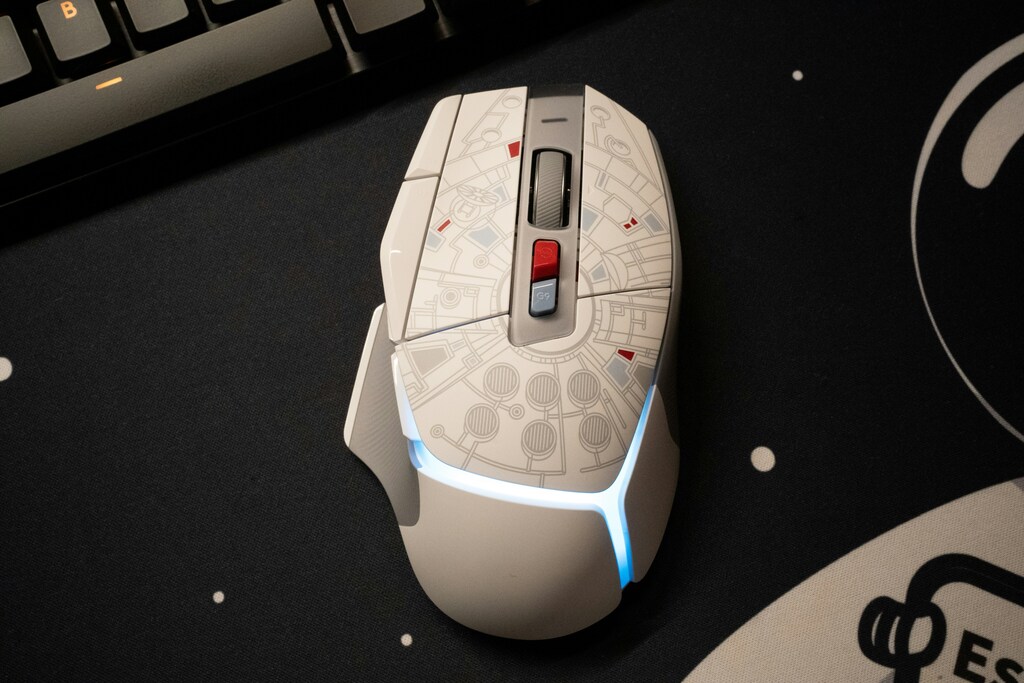
Shopping becomes easier once you know how to compare features. A wireless mouse is more than a cable-free version of its wired counterpart. Different sensors, batteries, and connectivity types impact real-world performance. Not every user requires advanced specs, but understanding them ensures you are not overpaying or underestimating your needs. A wireless mouse features comparison chart often reveals that even affordable models offer value when specs are balanced well.
Important Features to Evaluate
-
Sensor type and surface compatibility (glass support matters for offices)
-
Multi-device pairing for moving between laptop and desktop effortlessly
-
Scroll wheel style (tilt wheels help with horizontal navigation)
-
Onboard memory and custom profiles for shortcuts and macros
-
Low-latency gaming modes for performance-oriented users
Casual users may not need multi-device pairing or macro buttons, while productivity users benefit greatly from them. Features should match usage patterns. For instance, content creators appreciate tilt wheels and macro shortcuts for smoother editing workflows. Students may prefer a lightweight travel mouse. Beginners exploring gaming can choose the best gaming mouse for beginners instead of jumping straight into high-end gear. Feature knowledge prevents guesswork and leads to purchases that genuinely fit your lifestyle.
5. Gaming, Multimedia, and Hybrid Workflows: Mice That Do It All

Modern wireless mice are designed for hybrid lifestyles. Many people work long hours during the day and unwind with games at night. Having separate mice for work and gaming is an option, but not always necessary. Hybrid models strike a balance between ergonomics, durability, and responsiveness. These models may not compete with extreme esports mice, but they offer more than enough performance for beginner and intermediate gamers while staying comfortable for office tasks.
What to Look for in Hybrid Wireless Mice
-
Adjustable DPI profiles for switching between work and gaming sensitivity
-
Comfortable grip style that supports extended daily use
-
Durable switches and scroll wheel for long-term reliability
-
Low click latency for smoother gaming response
-
Battery life that lasts days or weeks depending on settings
If you already have an office mouse, consider upgrading to a hybrid model that can handle both productivity tasks and casual gaming. Hybrid wireless mice give you smoother control, better ergonomics, and adjustable sensitivity levels that work equally well for spreadsheets, browsing, or creative work. For beginners entering gaming, models labeled as the best gaming mouse for beginners offer a great starting point without overspending. They are versatile, enjoyable to use, and make it easy to switch from work mode to game mode without changing devices. This makes them a smart choice for modern lifestyles where devices need to multitask just as much as we do.
For those looking to upgrade their tech setup, unlocking savings on laptops, monitors, desktops, and accessories has never been easier. With the latest Acer discount codes, students, gamers, and working professionals can get reliable performance without stretching their budgets. These verified offers help reduce the cost of upgrades like portable displays, productivity laptops, or gaming gear. Explore the current Acer discount codes and find deals that make your next tech purchase more affordable.
Why Tech Buying Guides Often Miss Real-Life Needs
Most online mouse reviews focus heavily on specs rather than real user needs. While specs matter, everyday consumers need explanations that relate to actual scenarios like office fatigue, portability, shared spaces, or multi-device pairing. Expert tech guides sometimes overlook price sensitivity and smart saving strategies, which are important for students, remote workers, and casual gamers. Mixing technical insights with lifestyle context makes shopping easier and more personal.
Seasonal Electronics Shopping: Clearance Patterns and Best Timing
Tech accessories like mice, keyboards, and headsets often follow predictable discount patterns. Back to school season, year-end clearance, and holiday sales are common opportunities to pick up a budget-friendly wireless mouse. If you want to upgrade your setup without paying full price, track seasonal drops on marketplaces. Many accessory brands launch new models yearly, and older models become excellent value picks. Buyers with patience often gain the best deals.
Common Shopping Mistakes People Make with Computer Accessories
Consumers frequently overspend due to marketing claims or buy the cheapest option without checking ergonomics. Others buy gaming models for office use without considering silent-click needs, or they ignore portability when choosing a travel companion for laptops. Understanding your lifestyle helps avoid these pitfalls. Always compare features, comfort, and price, and try to test grip fit when possible. Accessories may seem small, but they shape your entire digital experience.
What makes Getmecodes.co.uk different from other coupon sites?
Getmecodes.co.uk stands out from other coupon sites by focusing on verified, up-to-date discount codes sourced directly from brands, affiliate networks, and active partnerships, ensuring higher success rates for users. Instead of overwhelming visitors with expired or irrelevant offers, it maintains a curated selection of useful deals organized for easier navigation. The platform also emphasizes exclusive codes, timely seasonal promotions, and a user-friendly experience—making it faster and more reliable for shoppers to find genuine savings without the hassle.
Conclusion
Choosing the right wireless mouse for work and play involves balancing comfort, performance, features, and price. Ergonomics ensures that your wrist and hand remain comfortable throughout the day. Technical specifications guarantee smooth tracking and responsiveness. Smart shopping helps you stretch your budget wisely, while hybrid models support modern digital lifestyles that blend productivity with entertainment. The goal is not just to buy a device, but to invest in comfort, efficiency, and value. When you shop informed, compare features, and use deals wisely, you make accessory choices that enhance your workspace, gaming time, and everyday computing experience.
FAQs
1. What DPI is best for daily office use?
For everyday office use, a mid-range DPI setting works well because it allows smooth pointer movement without being overly sensitive. Higher DPI settings are more common in gaming, while office users benefit from precise control for tasks like spreadsheets and design work. Many wireless mice now include multiple DPI levels so you can switch depending on your task.
2. Are Bluetooth mice reliable for gaming?
Bluetooth mice are convenient, especially for travel and multi-device pairing, but they may not offer the lowest latency. Casual and beginner gaming is fine on Bluetooth, but dongle-based wireless connections tend to perform better for fast-paced action. Many mice now offer dual modes so you can choose based on your activity.
3. What is the difference between optical and laser sensors?
Optical sensors track well on most standard surfaces and offer accurate precision for office work and gaming. Laser sensors work on a wider range of surfaces, including glossy ones, but can sometimes feel more twitchy in high-precision tasks. For most households and offices, modern optical sensors are more than capable.
4. Do I need a silent-click mouse for office environments?
Silent-click mice are helpful in shared workspaces, classrooms, or libraries because they reduce distractions. If you have coworkers nearby or take your laptop into quiet environments, silent-click buttons can make your typing and browsing more considerate. They also tend to be more pleasant for long-term daily use.
5. How long should a wireless mouse battery last?
Battery life varies by model and usage. Some rechargeable mice can last several days of heavy use, while basic office models can run for weeks or months on a single cell. If you travel often, a long battery life reduces the need to carry spares. Check user reviews to confirm real-world performance rather than relying solely on brand claims.
Computer, Hardware & Software Discount Stores

























 Sign Up & Get $5 Instantly!