Top 5 Ways to Extend Lifespan of Your PC Components
Computer, Hardware & Software - 14, October, 2025 - Khadija Hanif
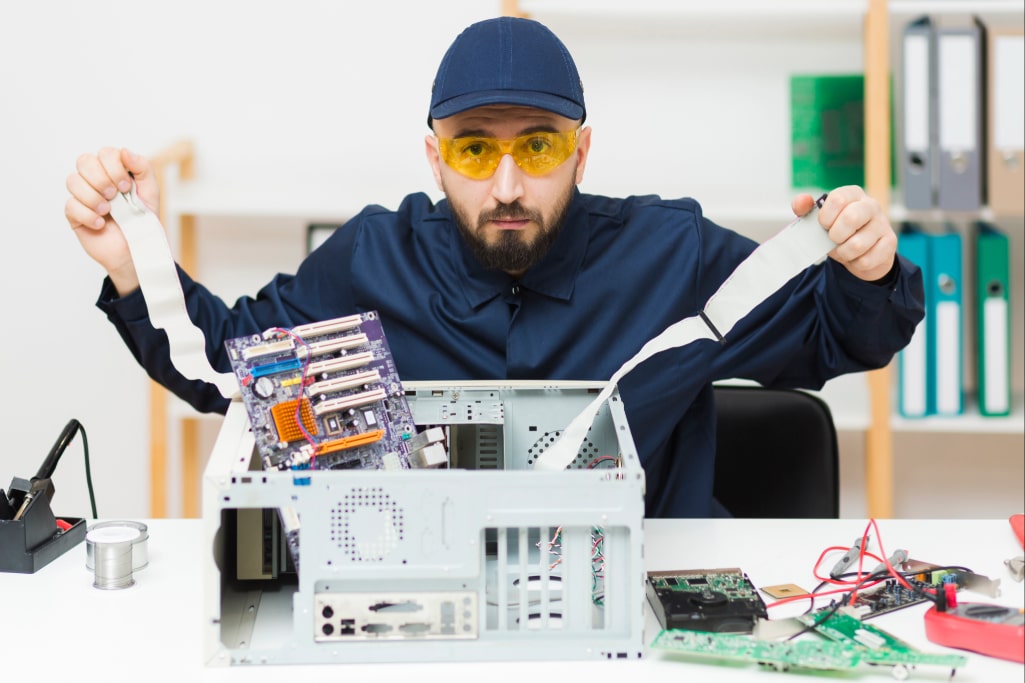
Have you ever spent hundreds (or thousands) on a new computer and then deal with slowdown, heat, loud noise, or just being glitchy within a few years. Sounds annoying, right? Well, this happens more than you think. It’s not that the computer is just “old”. It’s usually small things adding up over time: heat, dust, messy wires or even power issues. All of these can slowly kill the parts inside, and often you won’t even notice until it’s too late.
The good news? You don’t need expensive tools or advanced skills to make your computer last longer. Just a few habits and checks can add years to its life. It’s really about knowing how to maintain computer hardware in simple, everyday ways.
In this guide, you’ll learn the top five methods that keep your system cool, clean, safe, and stable. By the end, you’ll know what steps to take today so your PC stays reliable tomorrow (and for years after).
1. Keep Your System Cool
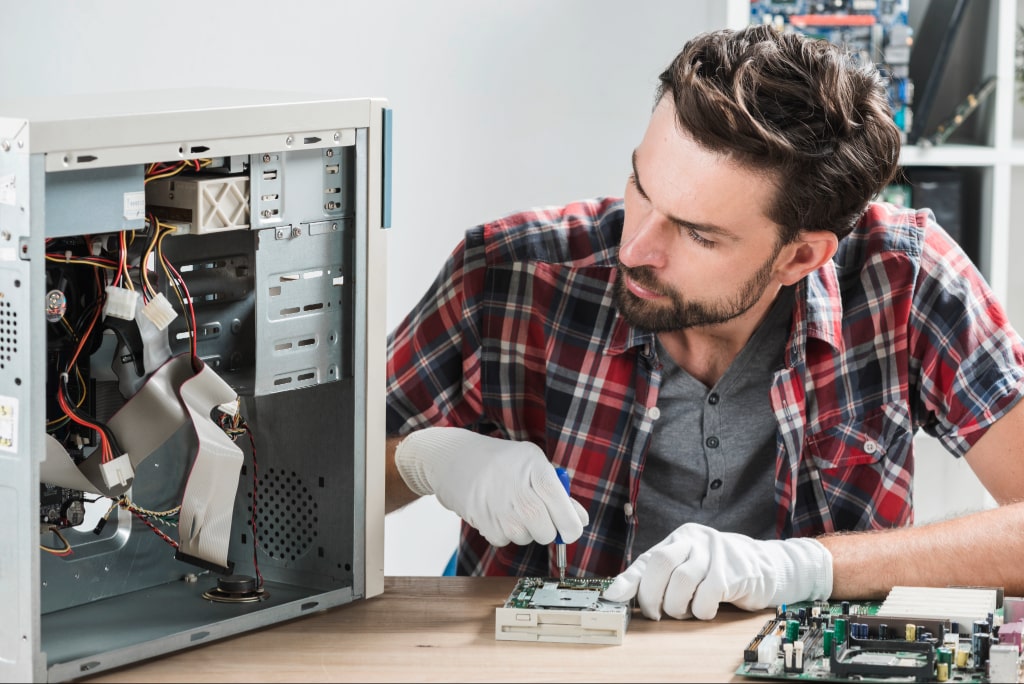
Heat is the number one enemy of computer parts. When your PC gets too hot, it doesn’t just slow down but also damage the hardware slowly. Overheating can shorten the life of your CPU, GPU, and even hard drives. That’s why keeping your system cool is one of the most important steps you can take.
Think of your PC like a car engine. If it runs too hot for too long, something will eventually break. A computer works the same way. Good cooling doesn’t mean you need expensive water-cooling setups. Even simple steps, like improving airflow, can make a big difference.
Here are the best tips for PC cooling and airflow that anyone can follow:
· Use at least one fan pulling cool air in (front) and another pushing hot air out (back).
· Keep cables tied neatly so air can move freely through the case.
· Place your PC in an open space, not inside a tight desk cabinet.
· Don’t block side or rear vents with books, paper, or walls.
· Replace thermal paste on your CPU every few years to maintain good heat transfer.
On very hot days, even a small desk fan aimed toward your PC can help. Also, keep your room at a reasonable temperature if possible.
By controlling heat, you not only improve performance but also protect your components from long-term damage. A cooler PC runs quieter, lasts longer and is less likely to crash during heavy tasks like gaming or video editing.
2. Keep Your PC Components Clean with Pinntech
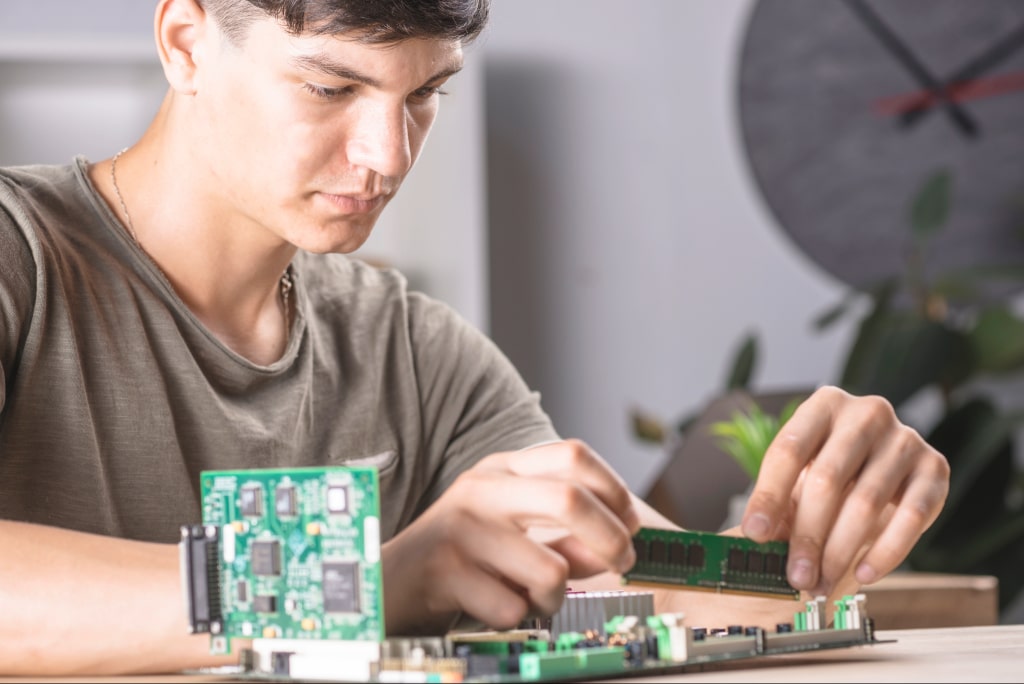
Dust and debris can drastically reduce the performance and lifespan of your PC components. Regular cleaning not only keeps your system running smoothly but also prevents overheating and hardware failure. Pinntech offers a wide range of cleaning and maintenance tools designed to help you care for your setup effortlessly. Shop smarter and boost your computer’s performance without overspending apply PinnTech Discount Codes at checkout for special discounts on PC components.
Simple Steps to Maintain a Clean PC:
-
Use compressed air to remove dust from fans and vents.
-
Wipe exterior surfaces with a microfiber cloth.
-
Keep your PC in a cool, dry place to reduce dust buildup.
-
Clean your components every 2–3 months for optimal performance.
-
Avoid liquid cleaners directly on electronic parts.
Keeping your system clean with quality maintenance tools from Pinntech ensures your PC stays efficient and reliable for years.
3. Take Care of Power Supply (PSU)
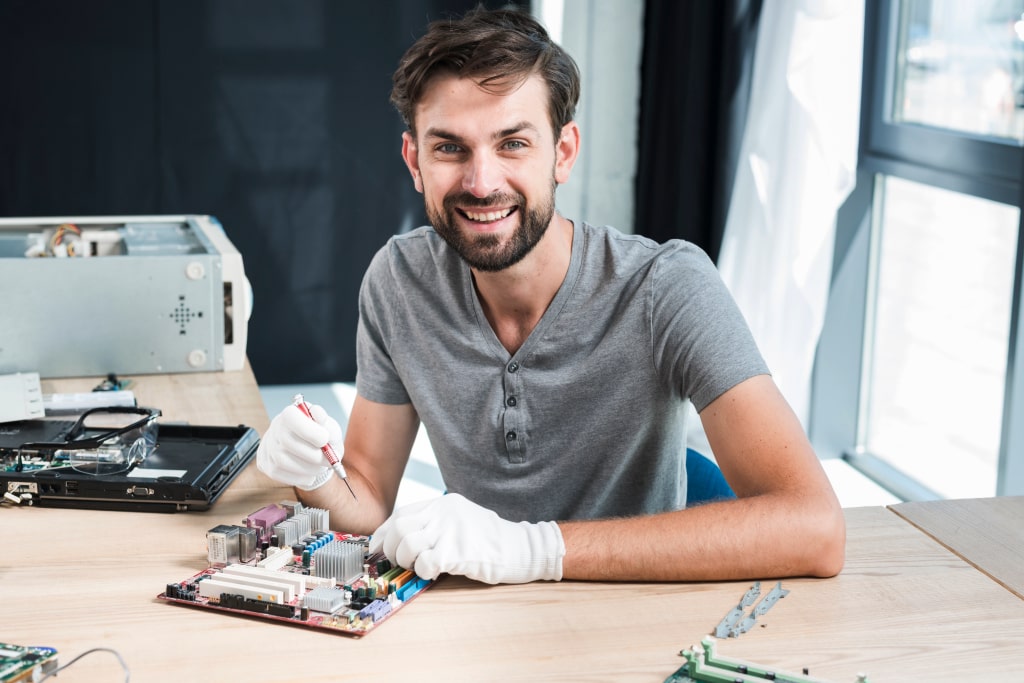
Your power supply might not look exciting, but it’s the heart of your computer. Every single part (CPU, GPU, storage, and fans) depends on it for steady electricity. If the PSU fails, it can take down other components with it. That’s why choosing and caring for it is so important.
A common mistake people make is buying a cheap power supply. It might work at first, but low-quality units often don’t deliver consistent power. Over time, this weakens your components and makes your PC unstable. Think of it like using poor fuel in a car. It will run, but it won’t run well.
Always follow safe practices for PC power supply (PSU) care to protect your investment. Here’s what you can do:
· Use a UPS (uninterruptible power supply) or surge protector to guard against sudden power cuts.
· Buy a PSU with at least an 80+ Bronze efficiency rating for stable performance.
· Make sure your PSU has enough wattage for your setup, especially if you add a new GPU.
· Don’t overload your power strip with too many devices.
· Keep the PSU fan area clean so it doesn’t overheat.
A reliable PSU won’t just keep your PC running, it helps every other component last longer. Consider it as the foundation of your setup. If it is weak, it can make the whole building fall apart. However, the strong ones will keep it steady for years.
4. Detangle Cables and Keep Them Organised
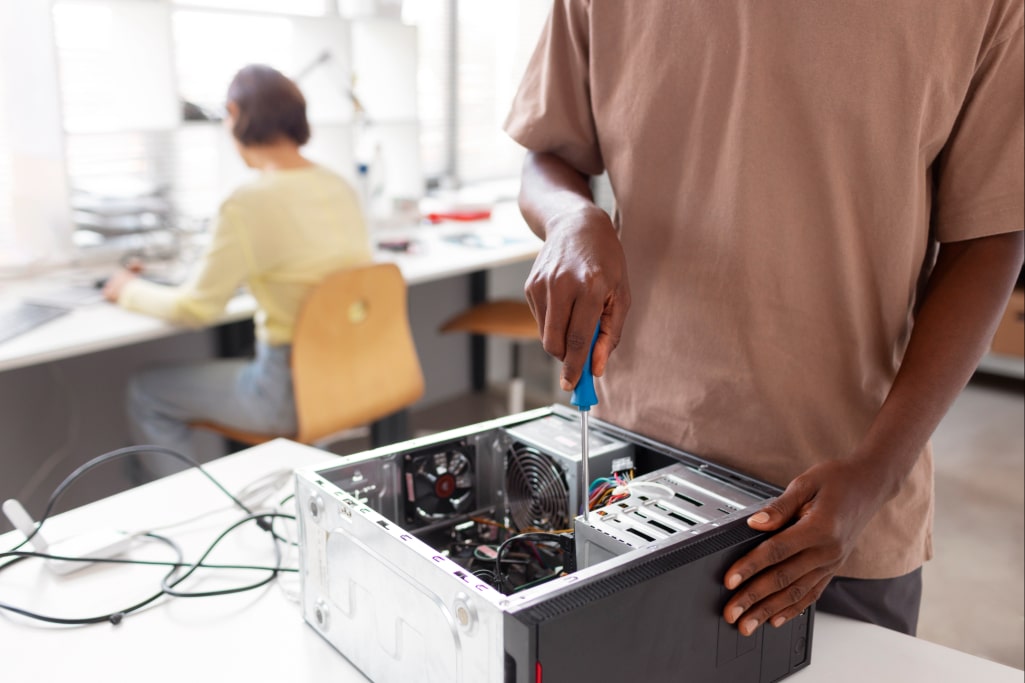
Messy cables may not seem like a big deal, but they can cause more trouble than you think. Tangled wires block airflow, create hot spots inside your case and put pressure on connectors. With time, this stress can damage parts or make upgrades harder.
Imagine opening a PC and seeing cables twisted everywhere, covering fans like a spider web. That setup not only looks bad but also forces your system to work harder to stay cool. The fix is simple: just keep things tidy.
For this, you should practice proper PC cable management for longevity. This will help you keep your computer clean and safe. Here are some easy steps:
· Route cables behind the motherboard tray whenever possible.
· Use Velcro straps, zip ties, or other methods to keep wires together.
· Separate power cables from data cables to reduce interference.
· Avoid pulling cables too tight, which can damage connectors.
Good cable management also makes upgrades stress-free. When everything is neat, swapping a graphics card or adding more RAM is faster and less risky. You don’t have to dig through a knot of wires or worry about unplugging the wrong part.
A clean build doesn’t just improve airflow but it gives your PC a longer life and a professional look. Plus, you’ll thank yourself later when you decide to clean, fix, or upgrade your system.
5. Don’t Forget the Care for Motherboard and CPU
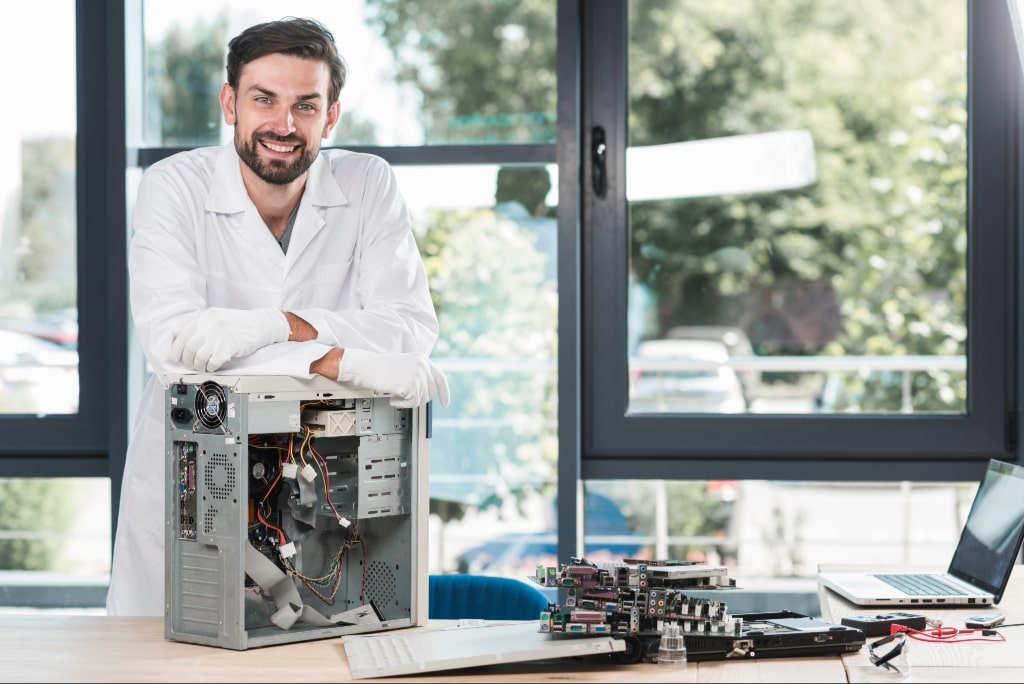
The motherboard and CPU are like the brain and nervous system of your computer. If either one fails, it will take the whole setup at risk. These parts are delicate, and once damaged, they’re often expensive to replace. That’s why taking care of them should always be a priority.
The most common threats are heat, static electricity, and power spikes. For example, if you work on your PC without grounding yourself, static discharge can fry sensitive circuits in seconds. Similarly, failing to keep the CPU cool leads to overheating and system crashes.
Here are some safe ways to protect them:
· Handle the motherboard carefully during upgrades. Avoid touching circuits or pins with your bare hands.
· Use quality thermal paste and ensure the CPU cooler is fitted tightly.
· Keep BIOS and drivers updated for stability and performance.
· Always shut down your PC properly before unplugging or working inside.
You don’t need to do complicated maintenance, but a little care goes a long way. Something as simple as checking temperatures once in a while or replacing an old cooler can add years of stability.
More importantly, make sure your power source is stable. A surge protector or UPS is your safety net against random power failures that could instantly harm your CPU or motherboard.
This helps to increase the lifespan of the motherboard and CPU without spending much. A few small habits (cooling, careful handling, and power protection) keep these vital parts working smoothly for years.
End Note
Your computer doesn’t have to wear out quickly. Small habits like keeping it cool, dust-free, powered safely, organised, and handling the CPU and motherboard with care, add years to its life. Think of it the same way you’d care for a car. You wouldn’t drive it for years without changing the oil, right? Your PC needs the same kind of routine attention.
The good thing is, none of this takes much time or effort. Cleaning once a month, checking cables, and watching temperatures can prevent the biggest problems before they start. Over time, these habits save money, reduce stress, and keep your PC running smoothly when you need it most.
If you also want smart tech deals and useful tools, visit http://getmecodes.co.uk/ for extra savings.
A little care now means a reliable, quiet, and longer-lasting computer tomorrow. It’s that simple.
FAQs
1. How often should I clean my computer case and fans?
It’s best to do a light clean once a month. Wipe the exterior, clear vents, and check filters. A deeper clean inside the case every 3–6 months helps keep dust from building up too much.
2. What’s the best way to extend the life of a graphics card (GPU)?
Keep it cool and dust-free, avoid pushing it too hard with extreme overclocking, and make sure your power supply is strong enough. Also, monitor fan speeds with software tools to spot problems early.
3. Should I shut down my PC every night or leave it running?
If you use it daily, shutting down at night is safer. It gives components a break and reduces wear. Leaving it on all the time only makes sense for servers or systems that need to stay active.
4. Can outdated drivers damage computer parts?
They won’t physically break your hardware, but outdated drivers can cause crashes, overheating, or instability. Over time, that stress can shorten the lifespan of your components. Updating drivers helps everything run smoothly.
5. Is it safe to plug a gaming PC directly into the wall socket?
No, especially if you deal with unstable power. Always use a surge protector or UPS. They act as a shield and protect your PC from sudden spikes or drops in electricity.

Khadija Hanif (LinkedIn)
I am a creative content writer with three years of experience, covering a wide range of topics from fashion to the latest trends in the tech and entertainment industries. I supports mental health initiatives. My aim is to provide clear, insightful information on latest trends, fashion, health & wellbeing .
Computer, Hardware & Software Discount Stores

























 Sign Up & Get $5 Instantly!